First Jenkins freestyle-project

I'm Suraj Barik Aspiring DevOps Engineer with Hands-on experience in Automating,Shell Scripting, Supporting in AWS, management, CI/CD, and DevOps processes.
✅We will learn🎓:
Jenkins basics.
How to create a simple pipeline.
How to create a static pipeline(project).
✅Jenkins:
Jenkins is an open-source automation server. It helps automate the parts of software development related to building, testing, and deploying, facilitating continuous integration and continuous delivery. In simple it is a tool for CICD, and we can create CICD pipelines using it.
✅CICD💫🌀😵:
build -> test -> deployment
Continuous: No break and rapid development.
Continuous integration (CI): To integrate code it should build and test.
Continuous delivery/deployment: automated deployment, deployment is when there is change. Delivery is manual when we want.
✅Continuous integration Continuous deployment (CI/CD) pipeline💫🌀😵:
This is how it works:
-> Get the code from GitHub
-> build the code
-> Test the code
-> Create an image out of it and Run the Container
-> Using Docker-compose also
-> Explanein what obstacle I faced while doing the project
-> Deliver on AWS/server
✅Installation:
- Create aws instance
Install dependencies
sudo apt update
sudo apt install docker.io
sudo apt update
sudo apt install openjdk-17-jre

curl -fsSL https://pkg.jenkins.io/debian/jenkins.io-2023.key | sudo tee \
  /usr/share/keyrings/jenkins-keyring.asc > /dev/null

echo deb [signed-by=/usr/share/keyrings/jenkins-keyring.asc] \
  https://pkg.jenkins.io/debian binary/ | sudo tee \
  /etc/apt/sources.list.d/jenkins.list > /dev/null

sudo apt-get update
sudo apt-get install jenkins
Add jenkins & current user to docker group
sudo usermod -aG docker jenkins
sudo usermod -aG docker $USER
#reboot the system
sudo reboot
📍Task-1💥
Let's Login to any Public Cloud Platform such as AWS, Azure, or GCP here I'm using AWS.So, log in to your AWS login and try to create 2 EC2 instances one for Jenkins and another for the agent where you can assign tasks to do

Generating an SSH key pair
The machine on which your Jenkins controller runs
The host (if using containers)
In a terminal window run the command:
cd .sshsh-keygenProvide a passphrase to use with the key (it can be empty)
Confirm the output looks something like this:

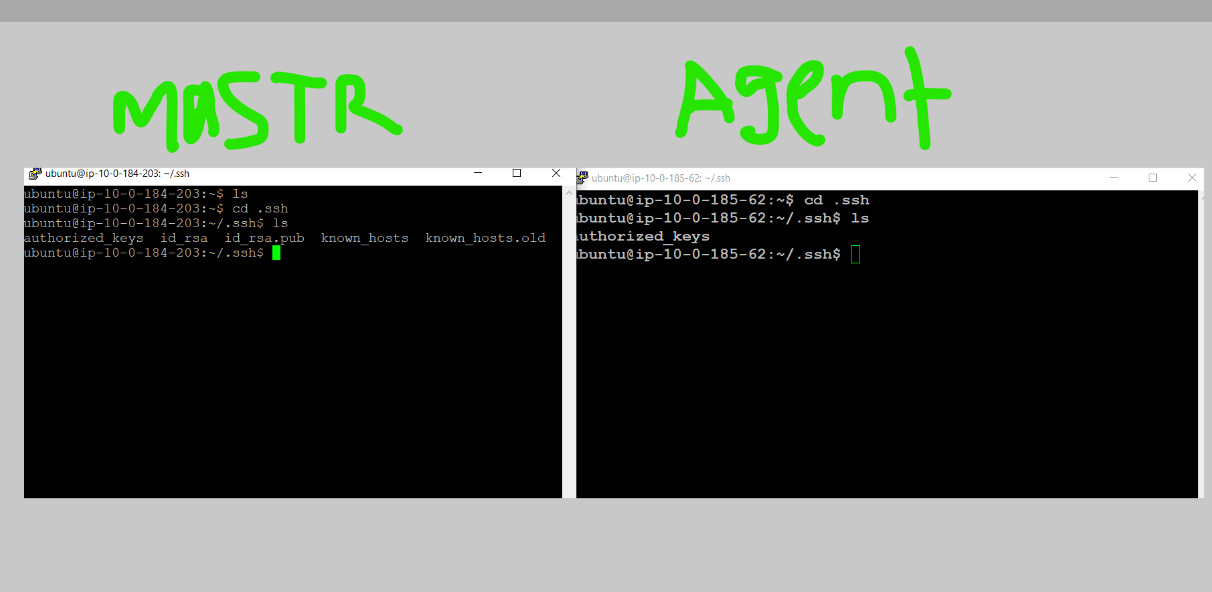
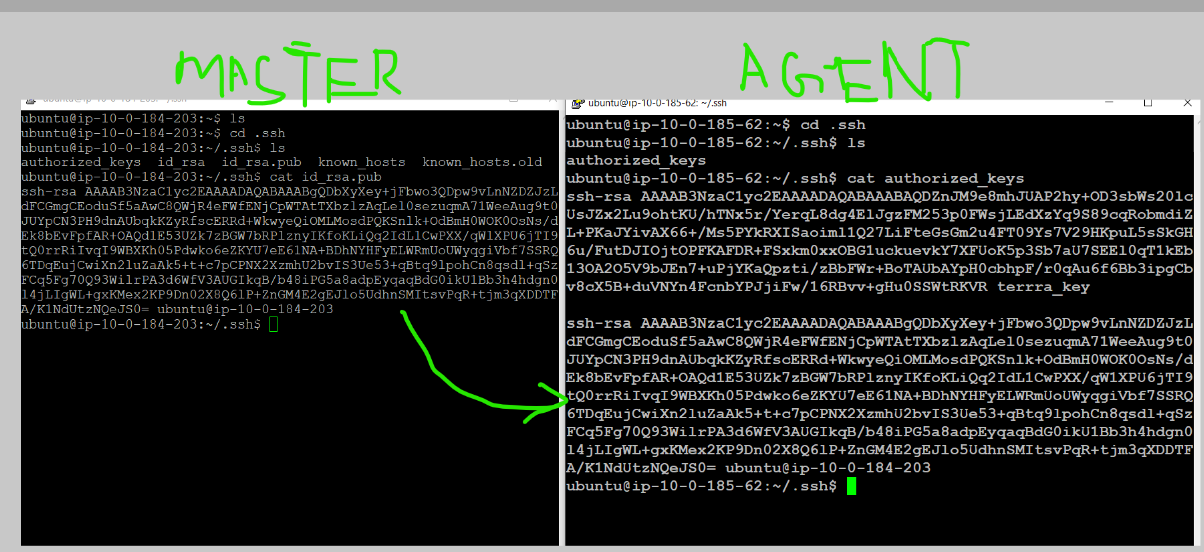
Master node two key created one is private and another is public (id_rrsa.pub(public key)& id. rsa(private) )key create copy the public key from master not past into agent node authorized key
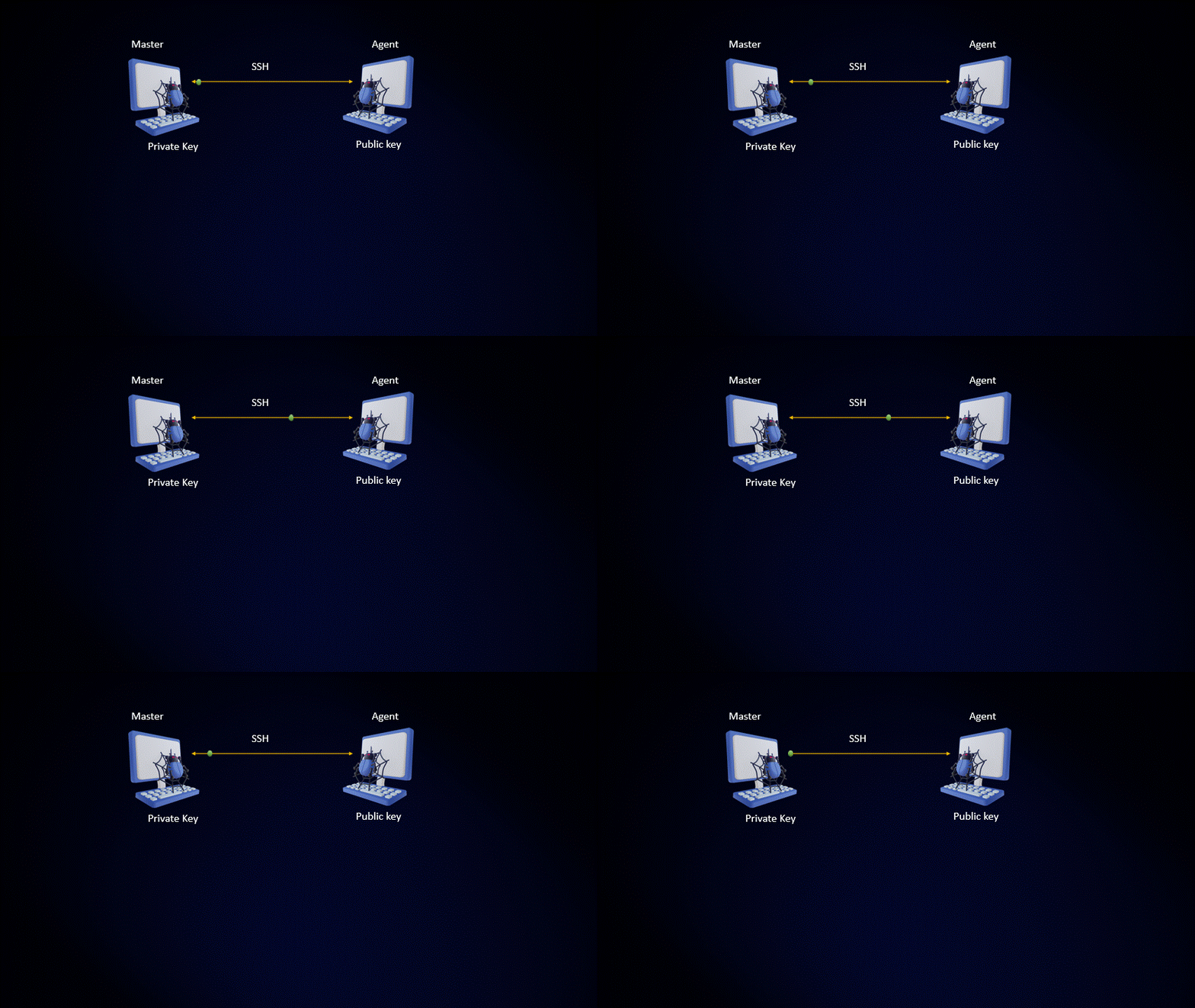
Then both communicate other
Usually, Jenkins runs is 8080 port and gives access to the 8080 port in your Jenkins(master) instance
- After installing Jenkins try to open Jenkins in the browser.

Go to Manage Jenkins and click on Set Up Agent
Give the agent node name select a permanent option and click on 'create'.
Provide remote root directory location and give labels to this node
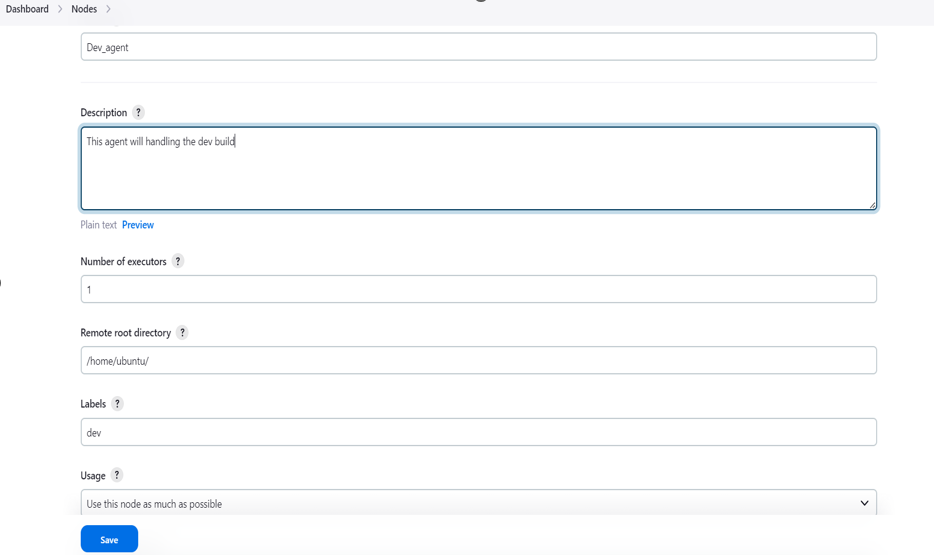
Provide a Launch method to connect with the Agent node and give the agent address

Here we authenticate and connect with a username with the private key

Here you give the master private key to connect with the agent

In the credentials section choose the username you set recently
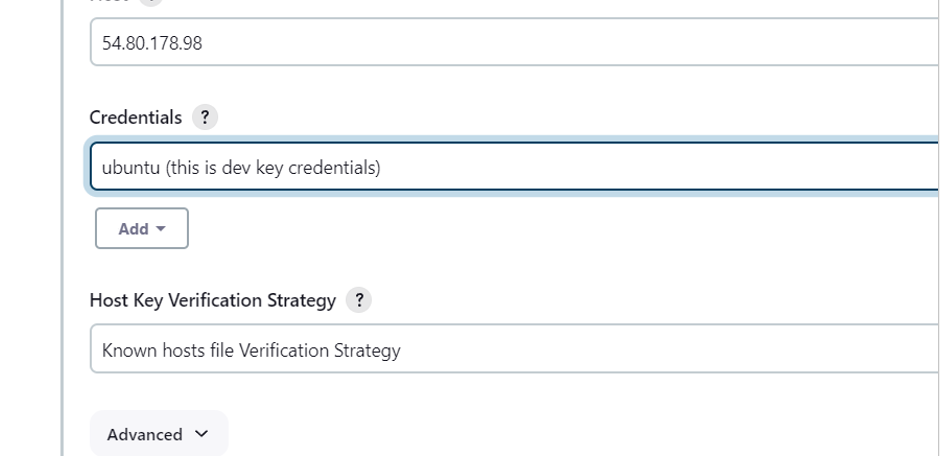
Click on save to create an agent.

Dev-agent name Agent created.
Create a new Jenkins Pipeline project for your application to assign a Dev-agent task

provide Description

Provide the GitHub project URL where your source code is available.
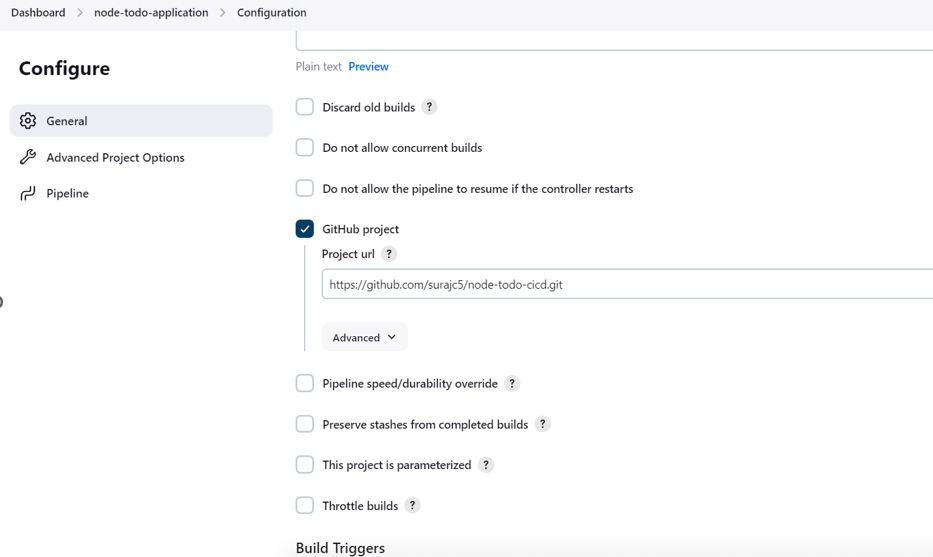
In pipe line section we assign task to Agent and provide grovey Command

After this save it and build it after the build success check it with your agent node
Showing project.


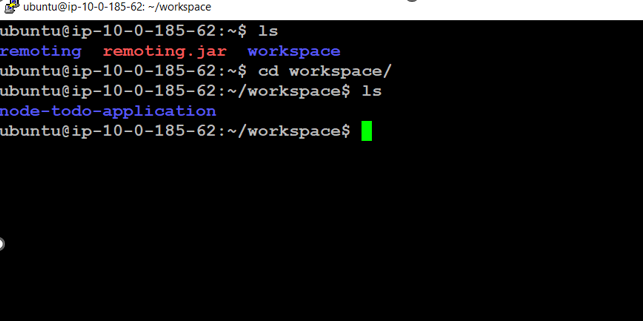
Again rewrite the Grovy command to build and run. Save it and build it.


Check what happen build failed go to the console output section
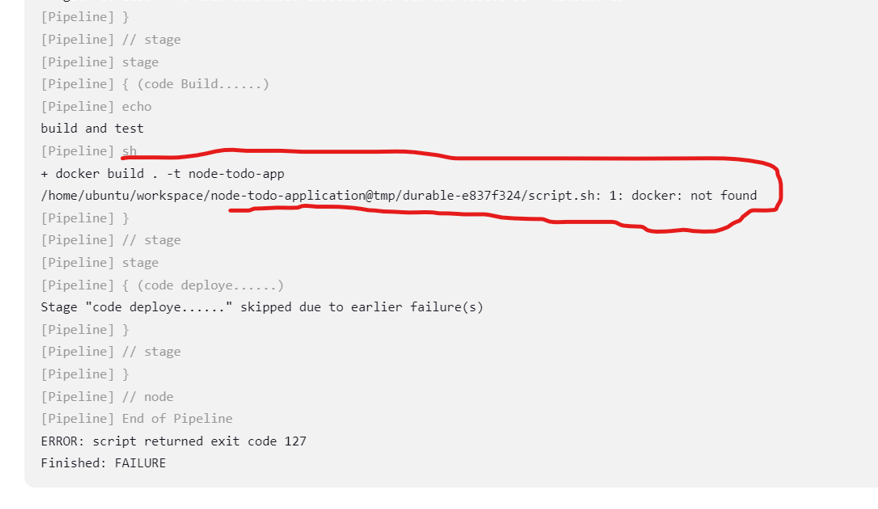
docker is not installed on the agent , so install docker agent and give asses

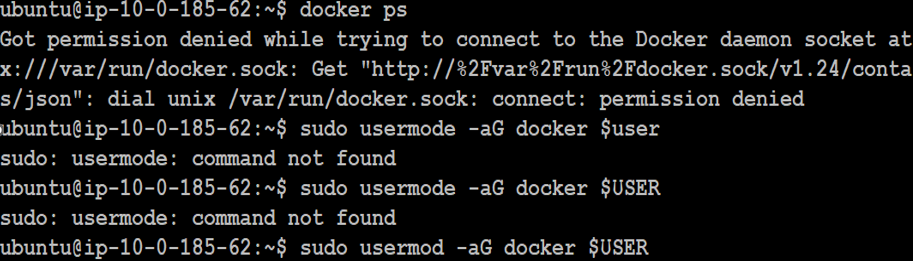

Here we can see that no images are there and no containers running, Lets again build the job see same error will come or not

🎉Boom 🎊 Boom🎇🎇🎇🎇🎇🎇🎇🎇🎇 Job running successfully

In Agent, ec2 gives access to 8000 port to see the application
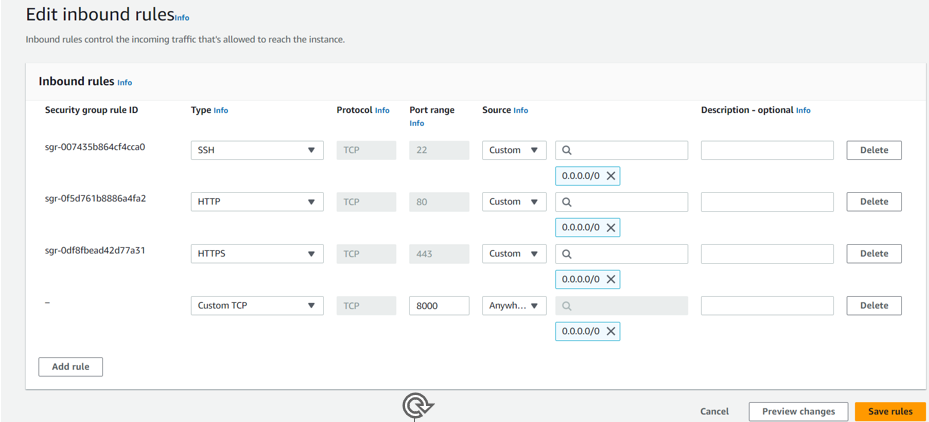
After that copy the ip address of agent , create a new tab and search it
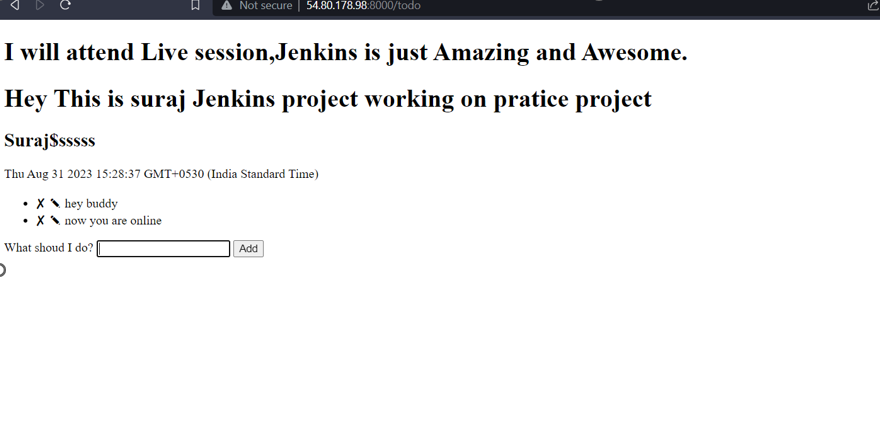
🎉Boom 🎊 Boom🎇🎇🎇🎇🎇🎇🎇🎇🎇 completed Task 1
📍Task-2💥
Create a Jenkins project to run the "docker-compose up -d" command to start the multiple containers defined in the compose file.
Stop the running process and remove the process
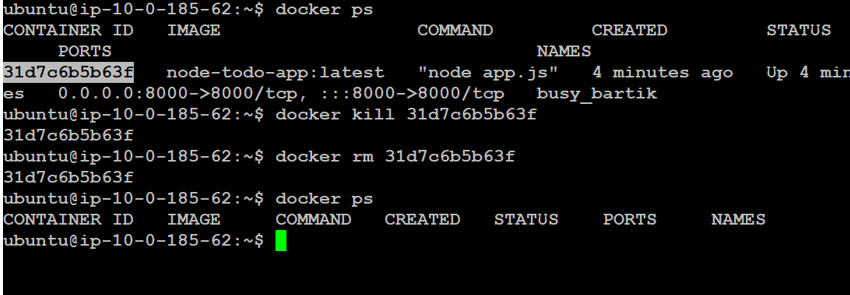
Move the Pipeline Groovy code

Save it and click on Build Now.

Oops☹😖😞 again failed see what error came now

ohh docker-compose not found error,while building agent can find docker-compose in his node Let's install docker-compose
sudo apt install docker-compose
after installation lets again build the job


🎉Boom 🎊 Boom🎇🎇🎇🎇🎇🎇🎇🎇🎇 success, Let's see application still working on the web or not
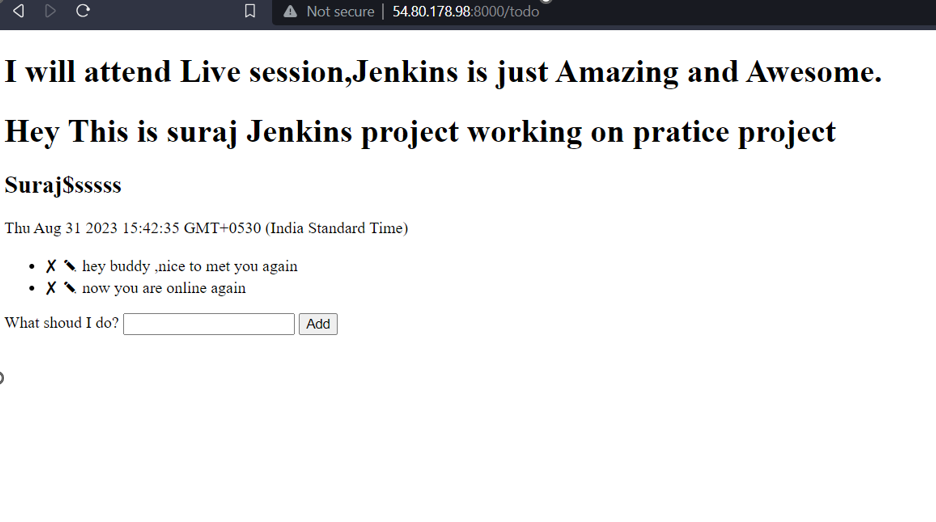
🎉Boom 🎊 Boom🎇🎇🎇🎇🎇🎇🎇🎇🎇

I appreciate you taking the time to read my blog, and I hope you found it informative. If you found the content useful, please consider giving it a like, sharing it with others, and following me for more similar posts in the future. Thank you for your support!


