Jenkins Agents

I'm Suraj Barik Aspiring DevOps Engineer with Hands-on experience in Automating,Shell Scripting, Supporting in AWS, management, CI/CD, and DevOps processes.
Jenkins Master (Server)
Jenkins’s server or master node holds all key configurations. The Jenkins master server is like a control server that orchestrates all the workflow defined in the pipelines. For example, scheduling a job, monitoring the jobs, etc.
Jenkins Agent
An agent is typically a machine or container that connects to a Jenkins master and this agent executes all the steps mentioned in a Job. When you create a Jenkins job, you have to assign an agent to it. Every agent has a label as a unique identifier.
When you trigger a Jenkins job from the master, the actual execution happens on the agent node that is configured in the job.
A single, monolithic Jenkins installation can work great for a small team with a relatively small number of projects. As your needs grow, however, it often becomes necessary to scale up. Jenkins provides a way to do this called “master to agent connection.” Instead of serving the Jenkins UI and running build jobs all on a single system, you can provide Jenkins with agents to handle the execution of jobs while the master serves the Jenkins UI and acts as a control node.
Pre-requisites
Let’s say we’re starting with a fresh Ubuntu 22.04 Linux installation. To get an agent working make sure you install Java ( same version as jenkins master server ) and Docker on it.
Note:- While creating an agent, be sure to separate rights, permissions, and ownership for Jenkins users.
Task-01
Create an agent by setting up a node on Jenkins
Create a new AWS EC2 Instance and connect it to the master(Where Jenkins is installed)
The connection of the master and agent requires SSH and the public-private key pair exchange.
Verify its status under the "Nodes" section.
You can follow this article for the same
1) Create 2 EC2 instances for the master and agent
Make new EC2 instances which will be treated as a “Master” and "Agent" While creating an EC2 instance, you need to install Jenkins and Java too.

2) Generate SSH keys on the “Jenkins_master” EC2 instance

generated public and private keys.
Copy
id_rsa.pubkey from the 'Jenkins-master' server and add it to Jenkins-agent at '.ssh/authorized_keys' location.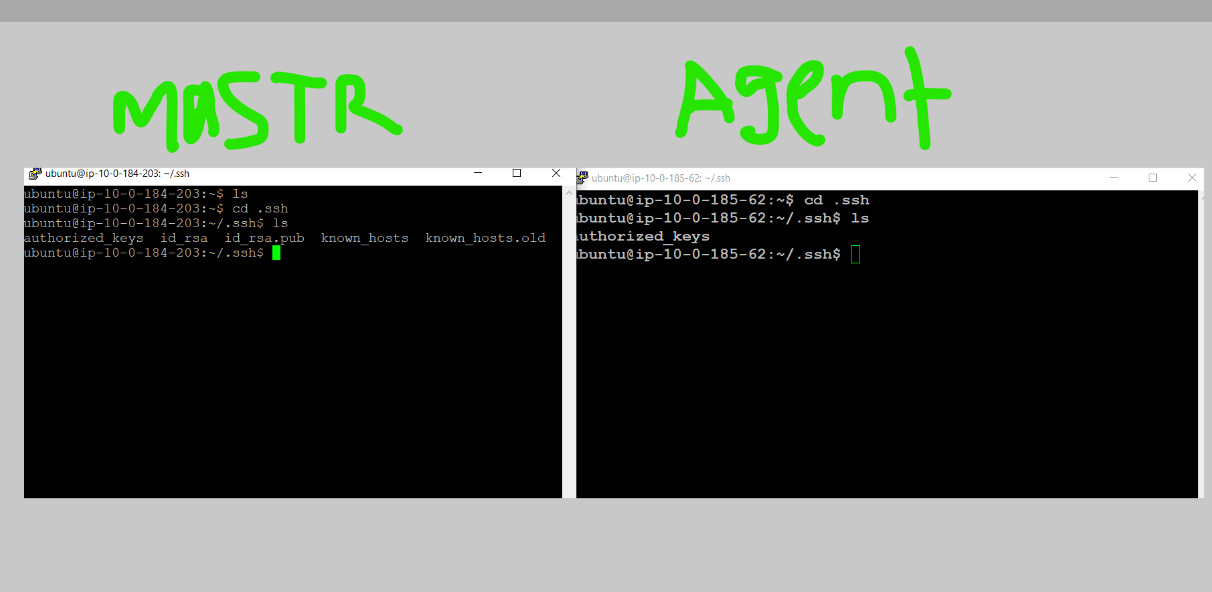
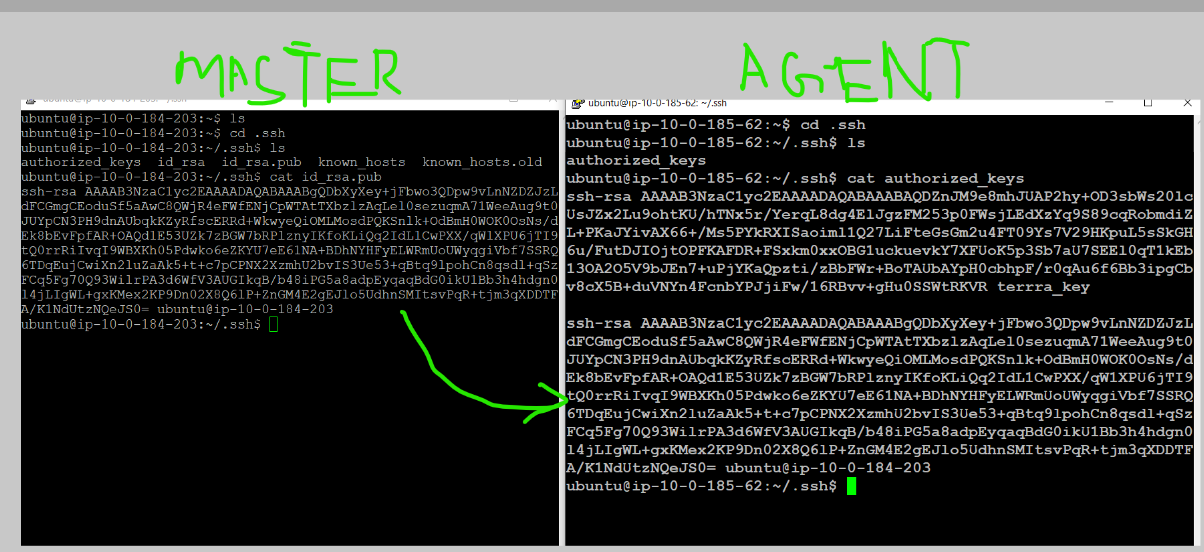
Create an agent by setting up a node on Jenkins

Give Node name and click on Permanent Agent and click on Create.
create and Add details of your node, accordingly.
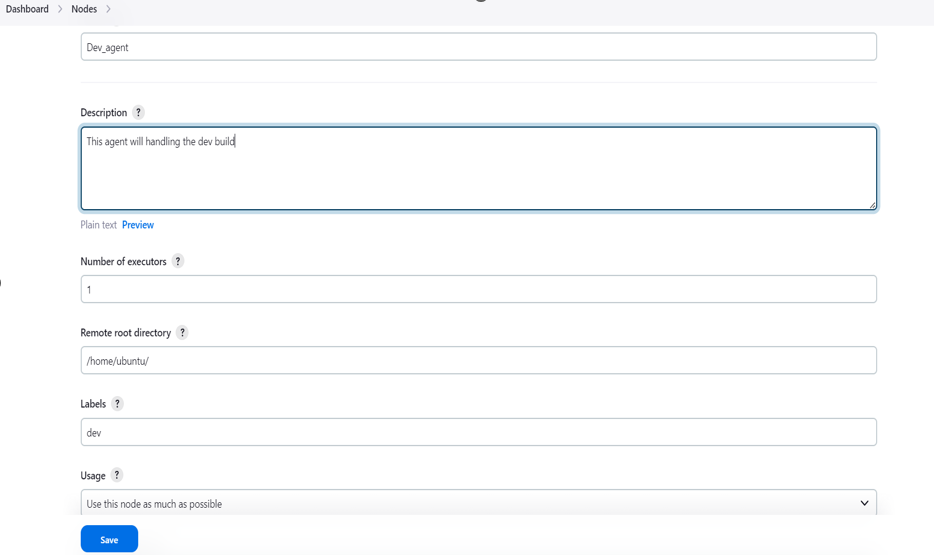
Provide remote root directory location and give labels to this node. Provide a Launch method to connect with the Agent node and give the agent address.

Click on credential--> Jenkins
Here we authenticate and connect with a username with the private key

Add the private key that we created in the 'Jenkins-master' instance using ssh-keygen.

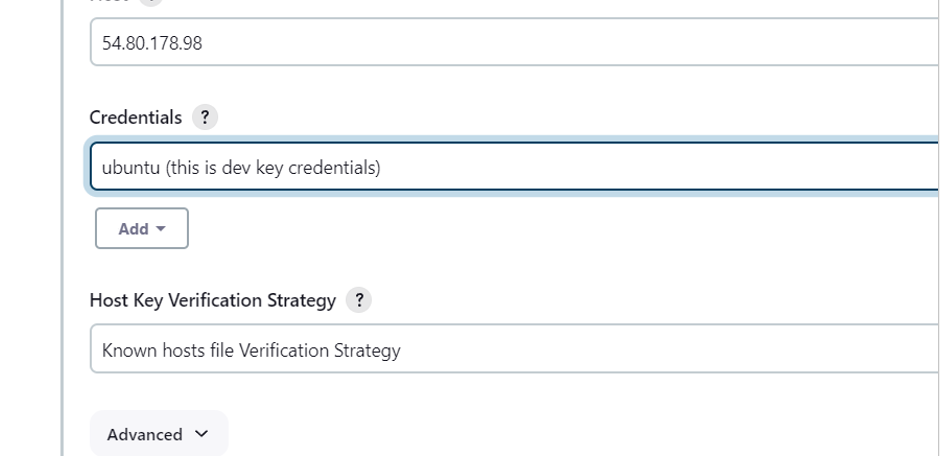
Click on 'save' that will create node.

Dev-agent name Agent created.
Create a new Jenkins Pipeline project for your application to assign a Dev-agent task

provide Description

Provide the GitHub project URL where your source code is available.
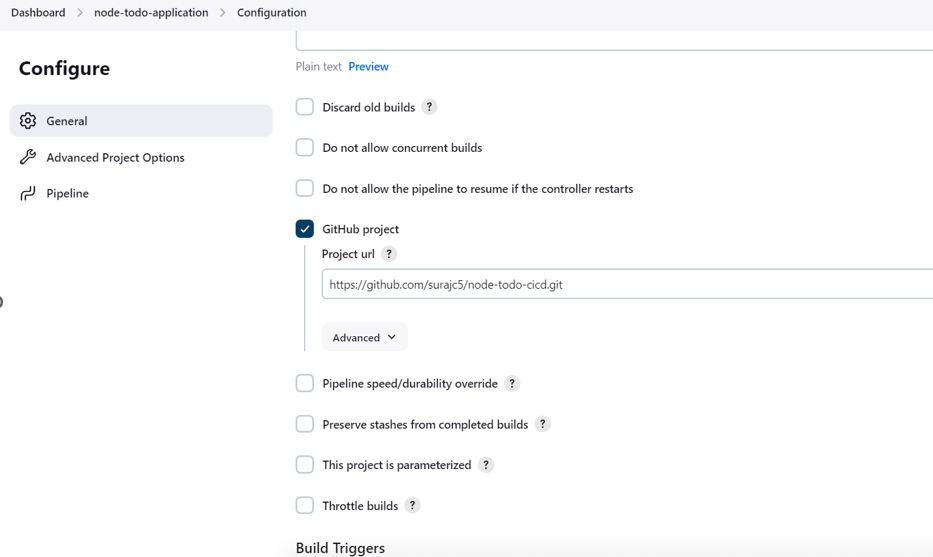
In pipe line section we assign task to Agent and provide grovey Command

After this save it and build it after the build success check it with your agent node
Showing project.


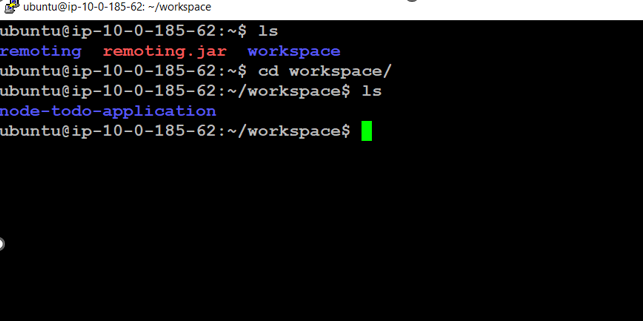
Again rewrite the Grovy command to build and run. Save it and build it.


Check what happen build failed go to the console output section
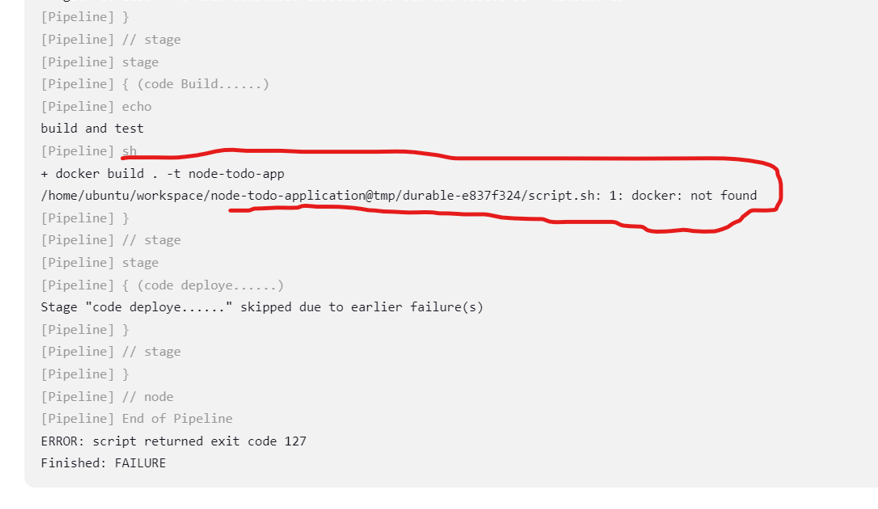
docker is not installed on the agent , so install docker agent and give asses

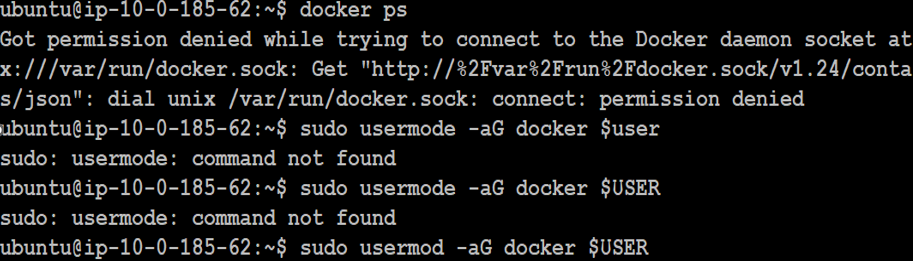

Here we can see that no images are there and no containers running, Lets again build the job see same error will come or not

🎉Boom 🎊 Boom🎇🎇🎇🎇🎇🎇🎇🎇🎇 Job running successfully

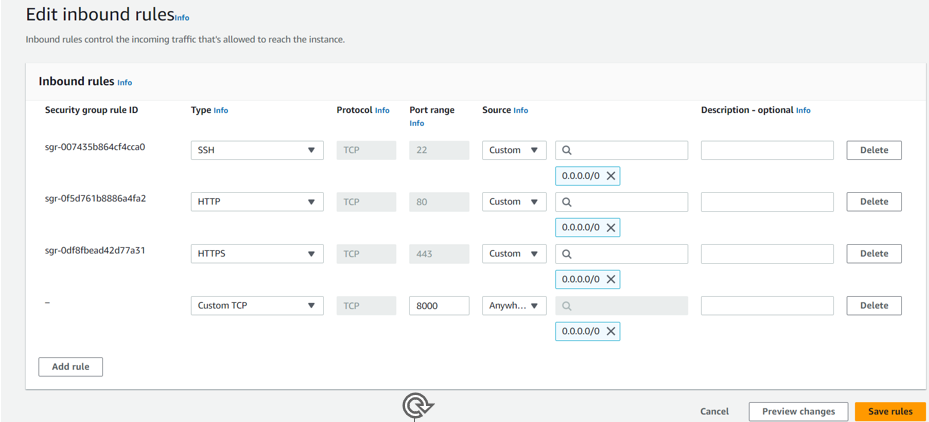
In Agent, ec2 gives access to 8000 port to see the application
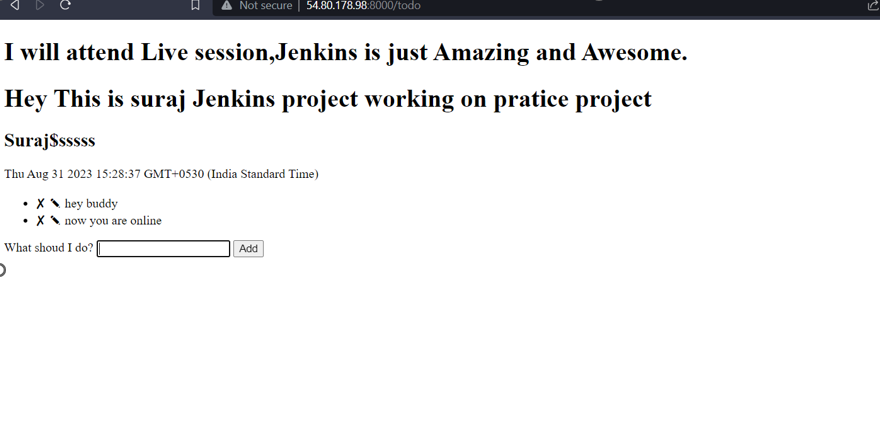
After that copy the ip address of agent , create a new tab and search it
Create a Jenkins project to run the "docker-compose up -d" command to start the multiple containers defined in the compose file.
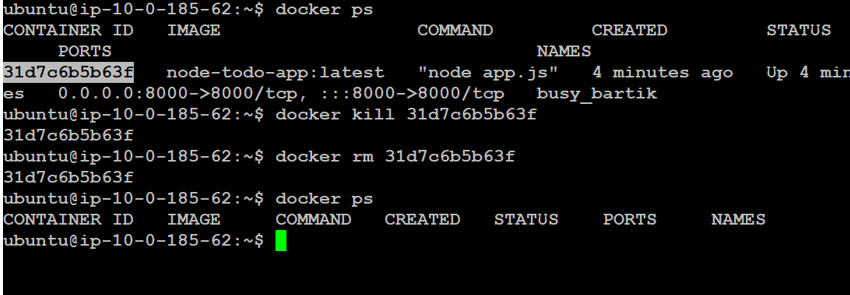
Stop the running process and remove the process
Move the Pipeline Groovy code

Save it and click on Build Now.

Oops☹😖😞 again failed see what error came now

ohh docker-compose not found error,while building agent can find docker-compose in his node Let's install docker-compose
sudo apt install docker-composeafter installation lets again build the job


🎉Boom 🎊 Boom🎇🎇🎇🎇🎇🎇🎇🎇🎇 success, Let's see application still working on the web or not
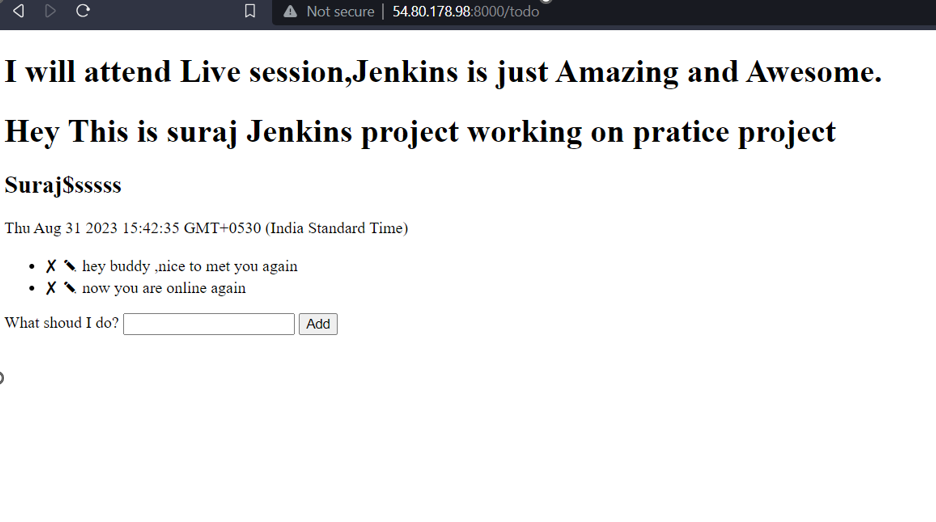
🎉Boom 🎊 Boom🎇🎇🎇🎇🎇🎇🎇🎇🎇