Docker Project for DevOps Engineers part-II
Today's challenge is so special Because I'm going to do DevOps project today with Docker.😍
I'm Suraj Barik Aspiring DevOps Engineer with Hands-on experience in Automating,Shell Scripting, Supporting in AWS, management, CI/CD, and DevOps processes.
Dockerfile instruction 🦈🍥
Dockerfile is a text file containing various instructions and configurations in the form of commands. Dockerfile helps to build a Docker image.
📝DockerFile Syntax:
| :[taking base image from Docker Hub] |
| :[Set the working directory in the container] |
| :[Copy the current directory contents into the container at /app] |
| [Install any needed packages specified in requirements.txt for building the image] |
| [Make port available to the world outside this container] |
| [Run specified command when the container launches] |

📌Task:
✔️The task is to create a Dockerfile for a simple web application.
Create a project directory on your ec-2 instance and clone the git repo where the node-to-do-app source code is present
Fork this repository to get started:https://github.com/surajc5/node-todo-cicd.git

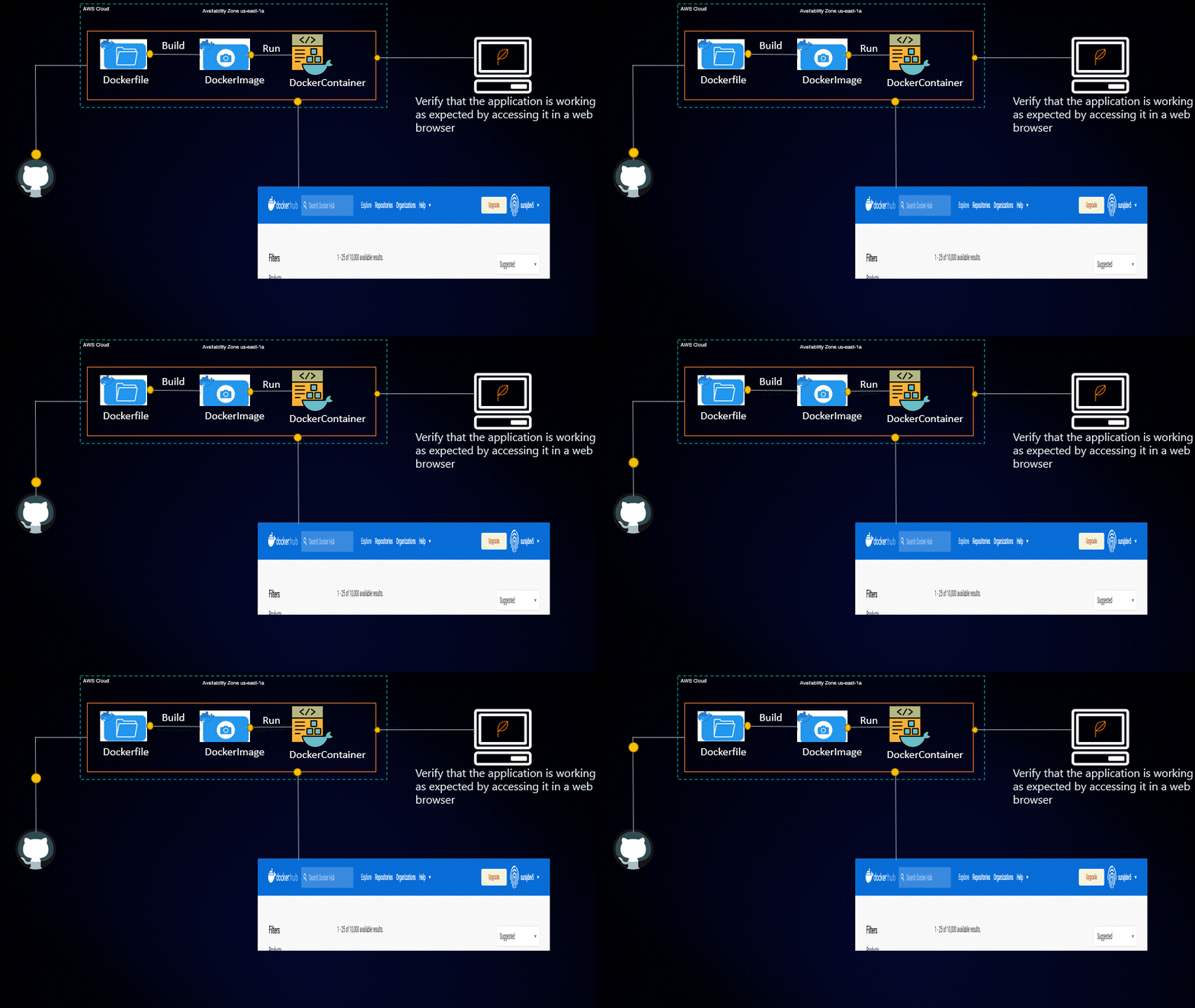
✔️Build the image using the Dockerfile and run the container
-Write a Docker file in the project directory to build a Docker image for the application

-Docker file created then Build the image using Dockerfile


-Built docker image by running the command docker build . -t <tag-name>


-To create a container from docker Image, run the command :
[docker run -d -p 8000:8000 node-todo-app:latest]

-To check the running container [ docker ps -a]

✔️Verify that the application is working as expected by accessing it in a web browser
-As we can see that port 8000 running so ,go to ec2 Instance and acess the 8000 given as follows


BOOM✨🎇🎇✨🎇🎇✨ BOOM🎉🎉

✔️Push the image to a public or private repository (e.g. Docker Hub )
Before pushing image from the source to the destination or docker hub u need to modify the image name with dockerhubuser name /new name
  #sudo docker tag <Exiting images name > dockhubUsername/New Image name
  Sudo docker tag node-todo-app surajdev5/node-todo-app

-Login into your docker registry using docker login command from the ec2 instance

-Push your image to the docker hub:

✔️Let's see how to push the image to a public or private repository (e.g. Docker Hub )

BOOM✨🎇🎇✨🎇🎇✨ BOOM🎉🎉
Thanks for reading my article. Have a nice day. Happy Learning:)😊😊